Terskel
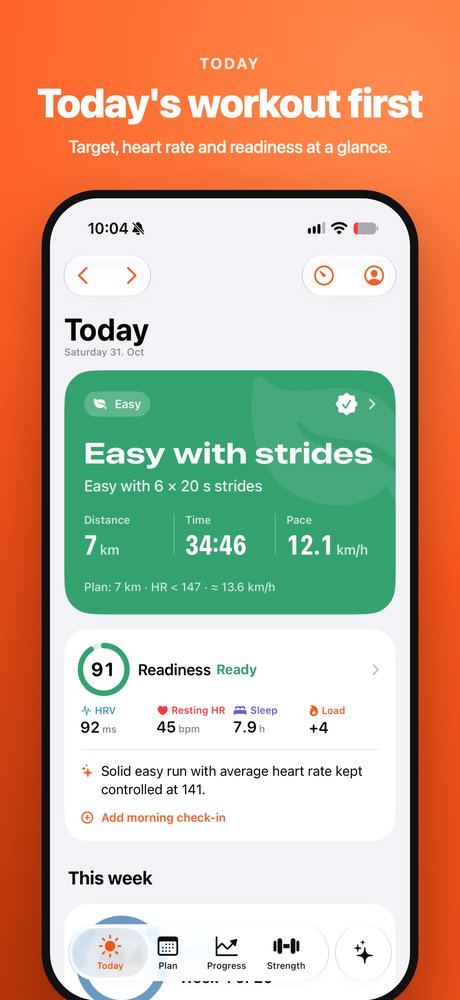
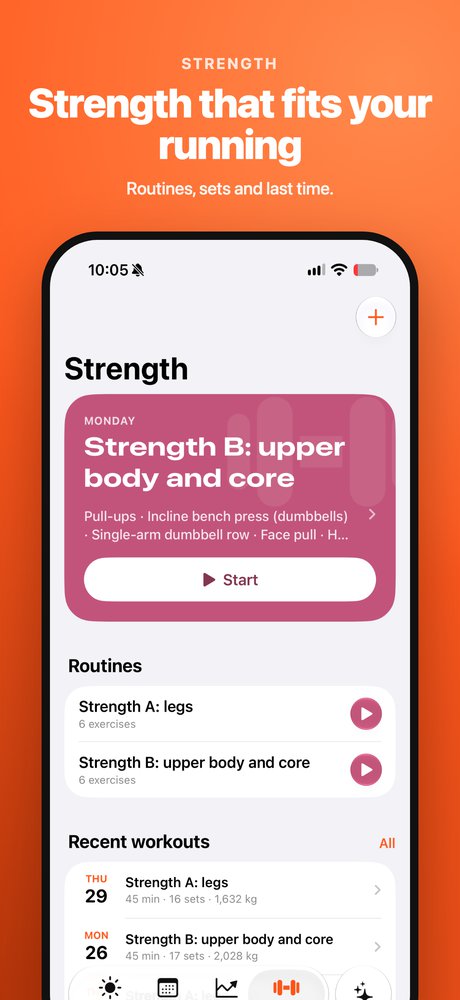
A training log and coach for runners who train by heart rate. Your plan lives in the app, your workouts come from Garmin, and you see heart rate in the reps, lactate and recovery side by side. Your coach can plan for you in the app, or write the plan in a Google Sheet the app reads.
- Your plan, your Garmin workouts and your recovery in one place.
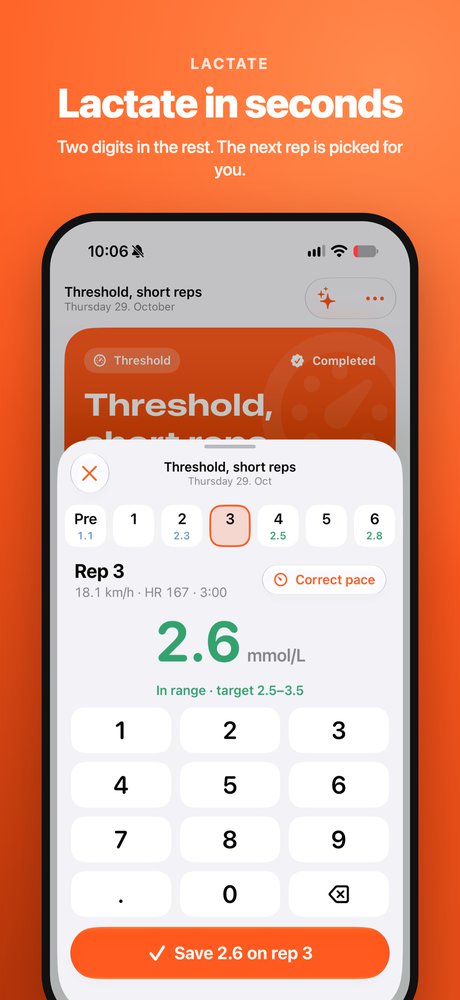
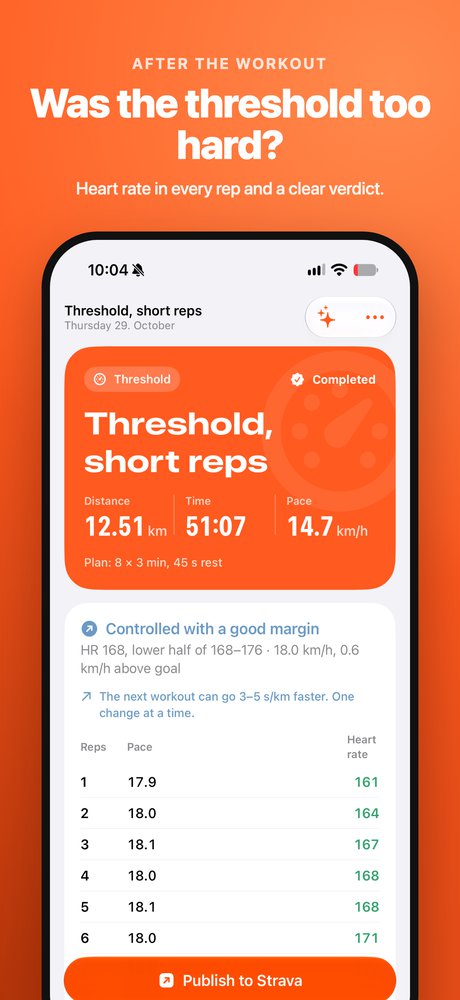
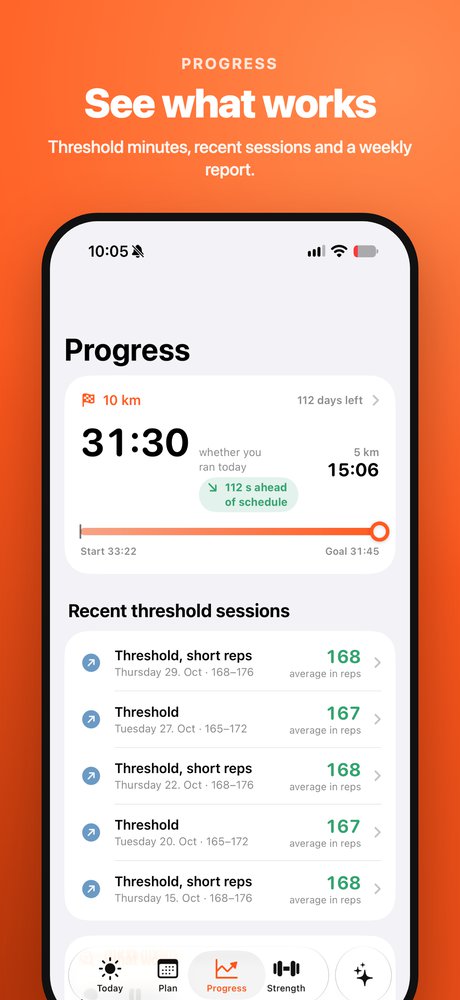
- Heart rate in the reps only, lactate next to every rep, and whether your threshold session was too hard.
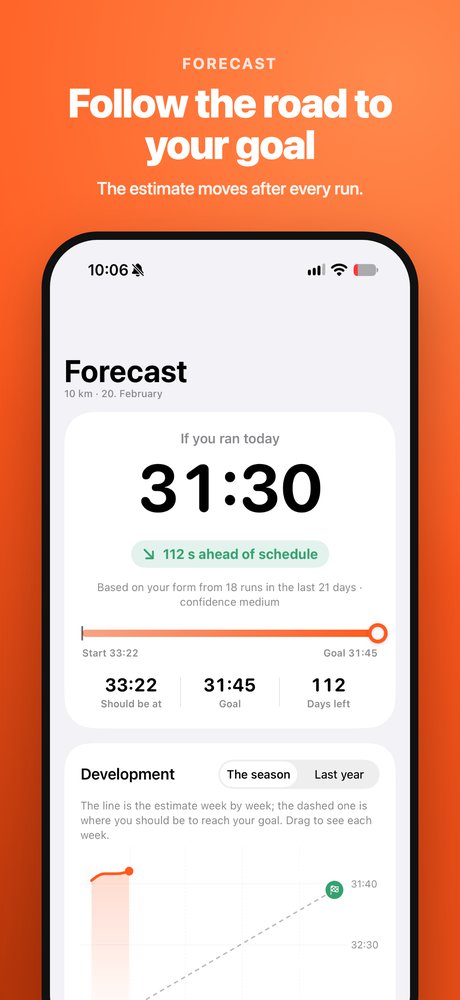
- A 10K forecast against your goal, and a coach that knows your numbers.
Coming soon to the App Store
Support
Frequently asked questions
- How do I get my Garmin workouts into the app?
- Terskel imports workouts through Intervals.icu. Create a free account there, connect it to Garmin Connect, and paste the API key and athlete ID from Intervals.icu under Settings → Garmin in the app. New workouts are then imported every 10 minutes, even when the app is closed.
- How do I get a plan?
- Tap «Make a plan for me» and answer a few questions about your goal and your week, and you get a full season up to your race, or a block that ends with a time trial. You can also enter workouts yourself, invite a coach, or connect a Google Sheet.
- How do I connect a plan in Google Sheets?
- The sheet must be shared as «Anyone with the link can view». Copy the link and paste it under Settings → Plan from Google Sheets. The app finds the tab with the plan and reads the sheet every 10 minutes. Workouts you have done or logged are never changed by the sheet.
- How do I switch between English and Norwegian?
- In the app, go to Settings → Language, or open the iPhone Settings → Terskel → Language.
- What does my coach see?
- A coach you have connected sees your plan and your logs, and can add and change workouts. Recovery (sleep, HRV and resting HR) is only shared if you turn sharing on. Strava and your keys are always yours only.
Have a question that isn't here, or something that doesn't work? Send an email and I'll answer:espennoreng@gmail.com